Pose showcase
See how to pose
Choose a pose for the scene and mood before you press the shutter.
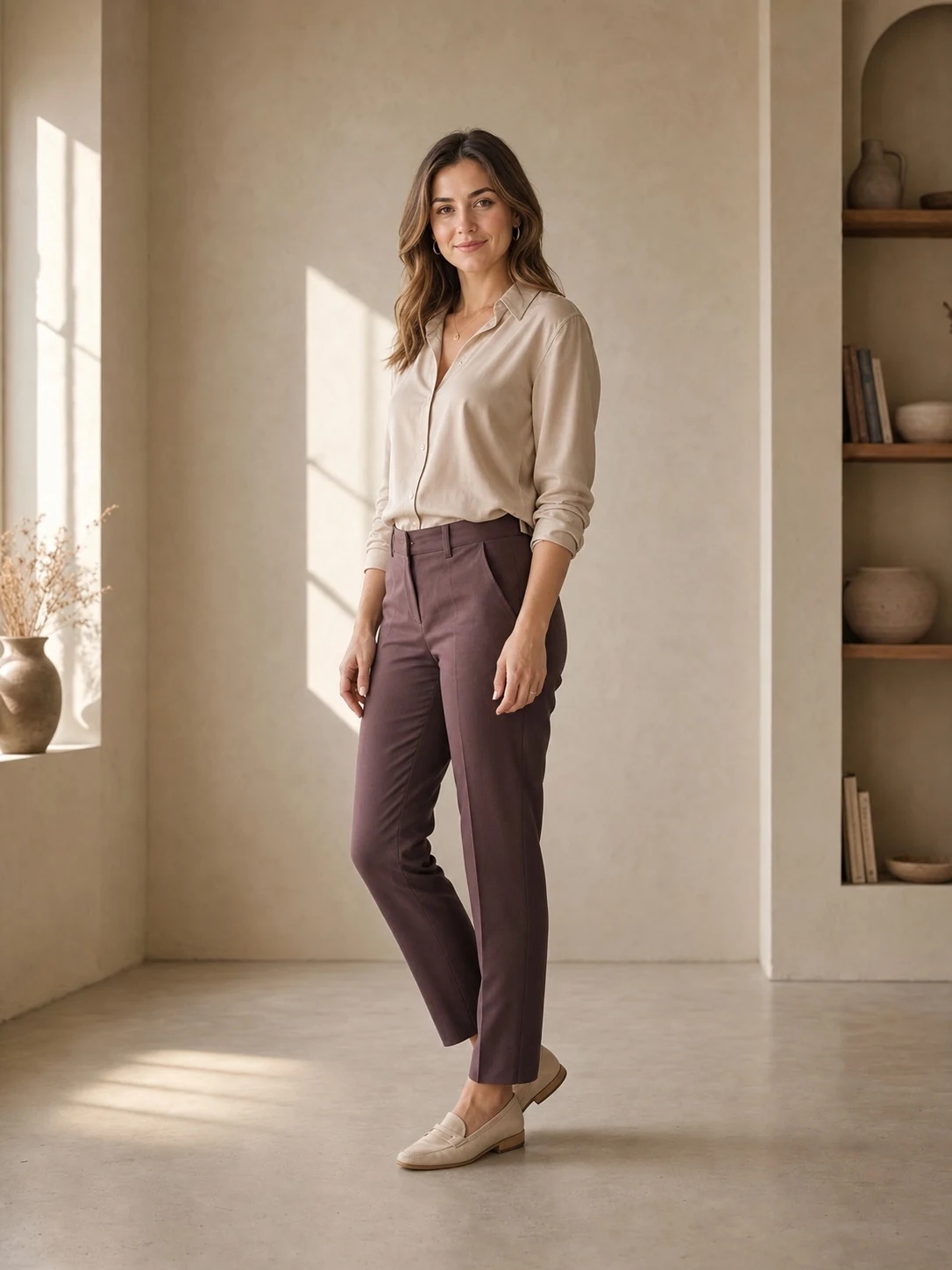
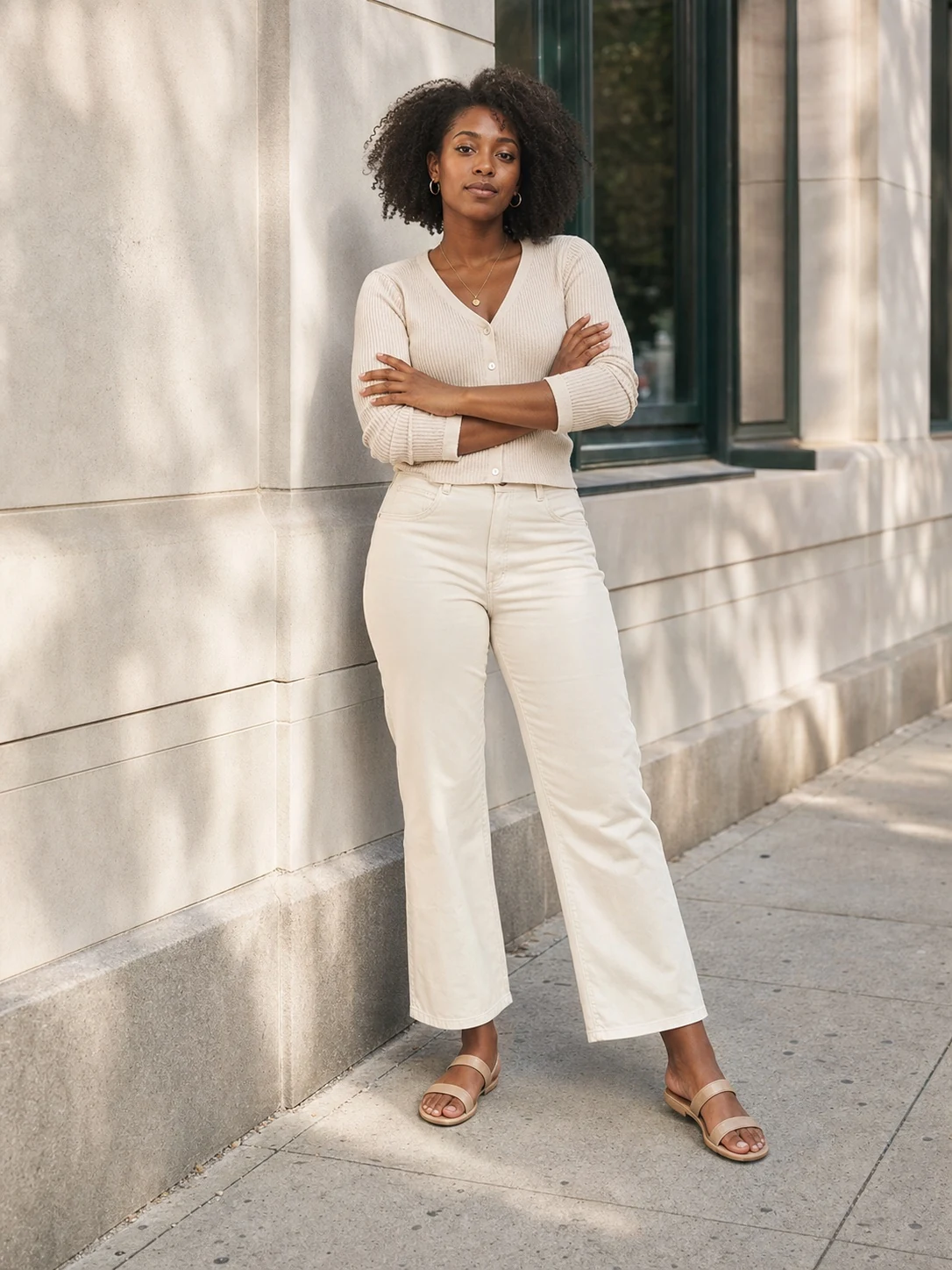


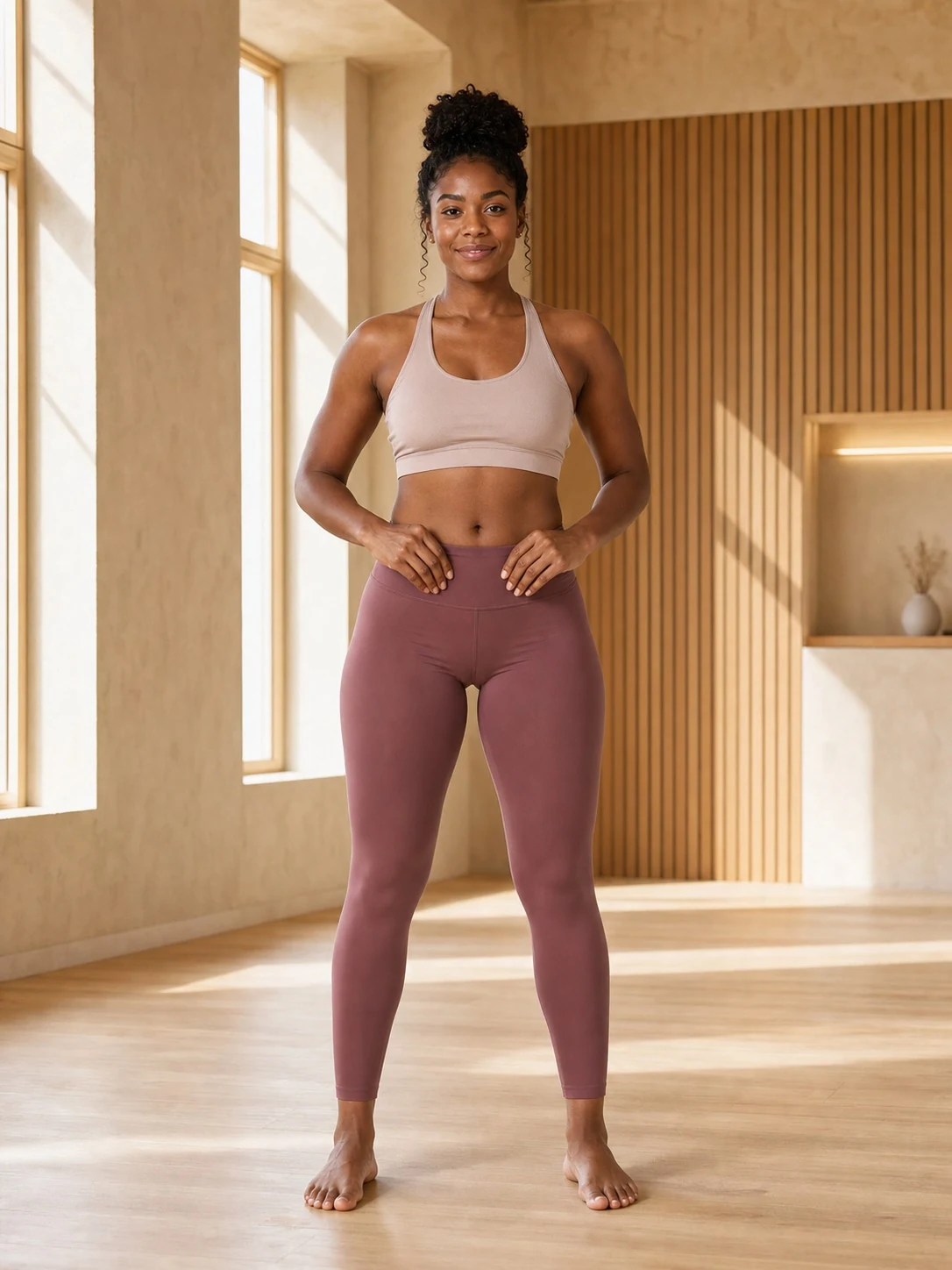



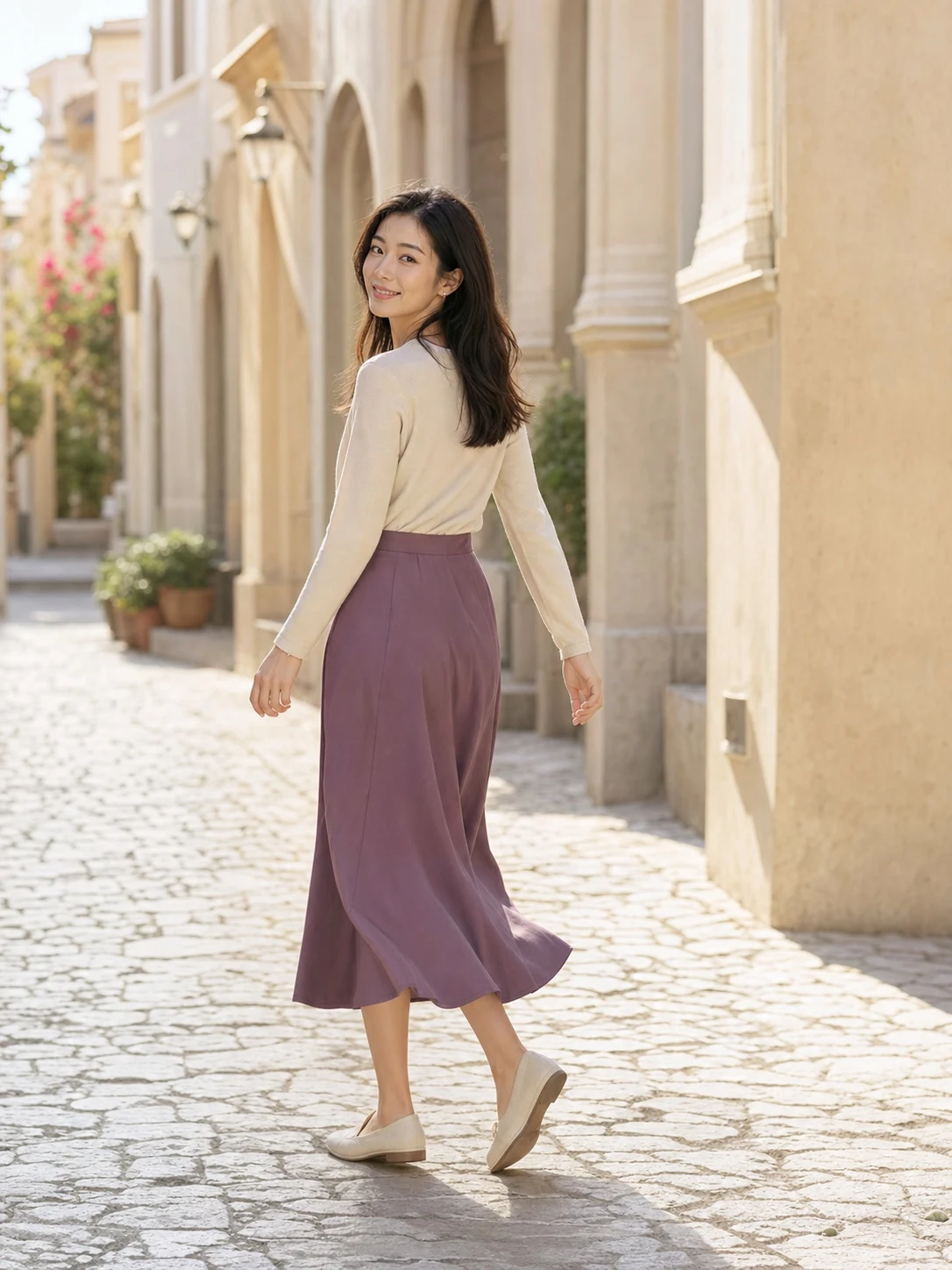
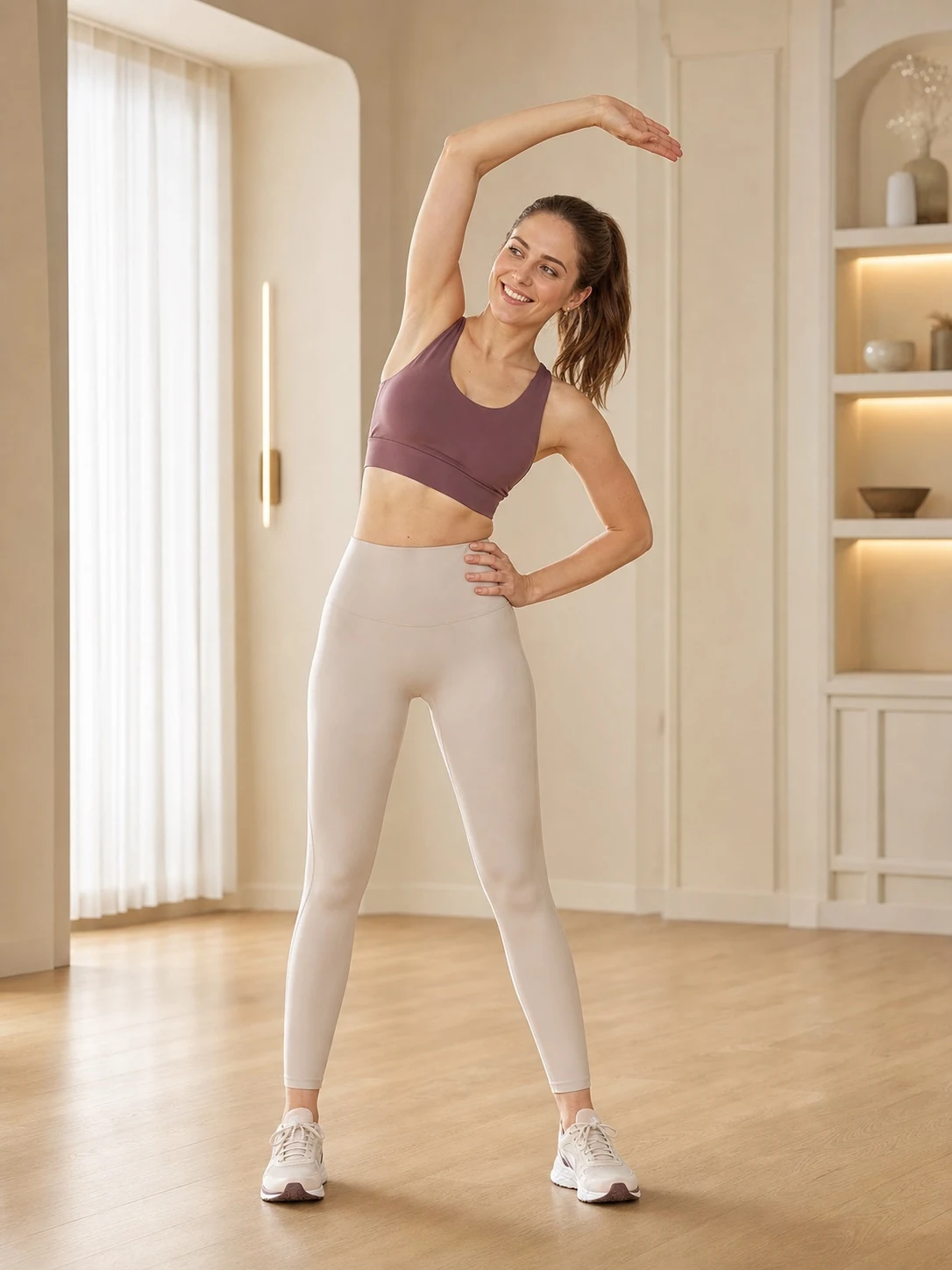
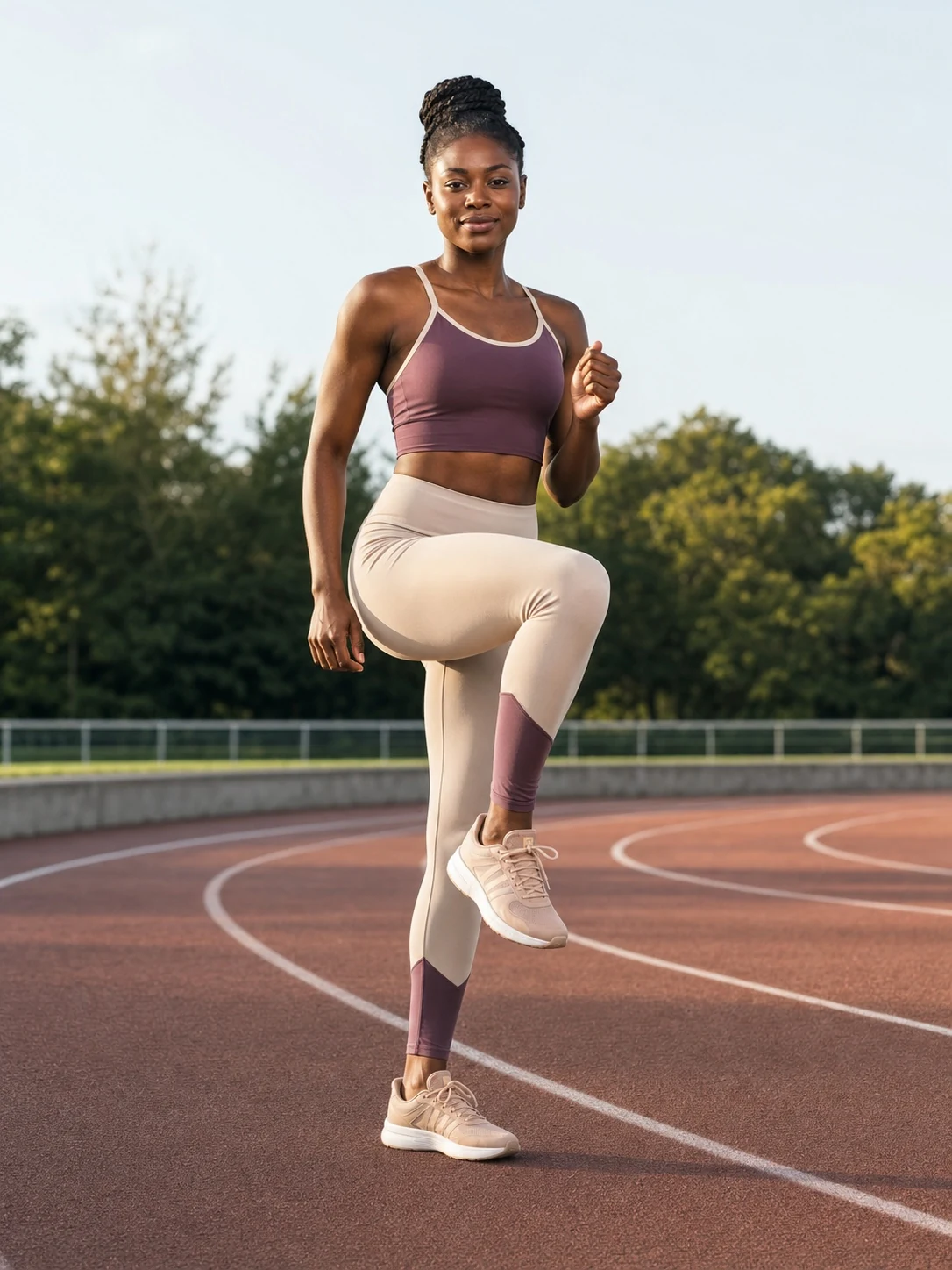









Open the camera and Lumira guides your position, pose, framing and lighting in real time. When everything is ready, it starts the countdown, takes the photo and scores the result.
iOS 17 or later · Front camera required · Photos stay on your device
Choose a pose for the scene and mood before you press the shutter.
Six on-device capabilities guide the whole journey from pose to shutter.
On-device body-pose detection compares you with the target skeleton. Voice and text tell you exactly what to adjust.
Rule of thirds, headroom, subject position and lighting are evaluated together, with clear feedback after each shot.
When pose, framing and lighting are ready and stable, the shutter countdown starts automatically and cancels if the pose breaks.
Browse business, street, travel, fitness, seaside and more, then filter by the mood you want.
A short profile adjusts composition margins, pose tolerance, recommendations and coaching language.
If the phone is shaking, Lumira suggests steadying it or asking for help without blocking the shutter.
Pick a template or let Lumira recommend one from your shooting profile.
Watch joints turn from orange to green while voice and text explain the remaining adjustment.
Hold steady, let the countdown run, then review pose, framing and lighting scores.
Privacy is built into the product from camera preview to saved photo.
Pose detection, framing and lighting analysis run locally on your iPhone.
We do not receive or store camera frames, pose data or captured photos.
Height and personalization preferences remain on the device.
The server only handles sign-in identifiers, subscription status and daily usage needed to provide the service.
We do not sell or rent your information or use it for unrelated advertising.
App Store processes purchases; we never receive your card or bank details.
Prices and currencies are shown by the App Store for your region.
No. Lumira coaches you before the shutter. It does not reshape faces or bodies and does not apply beauty filters after capture.
No. Camera frames, pose analysis and photos are processed locally and saved directly to the system photo library.
Most poses work as selfies. Templates that need both hands tell you to steady the phone or ask someone to help.
Lumira supports iPhone with iOS 17 or later and requires a front camera. Android is not currently supported.
Manage or cancel it in iPhone Settings → your name → Subscriptions. Access continues until the end of the paid period.
Open the camera. Lumira guides the rest.
Download on theApp Store